A deliberate single-function choice
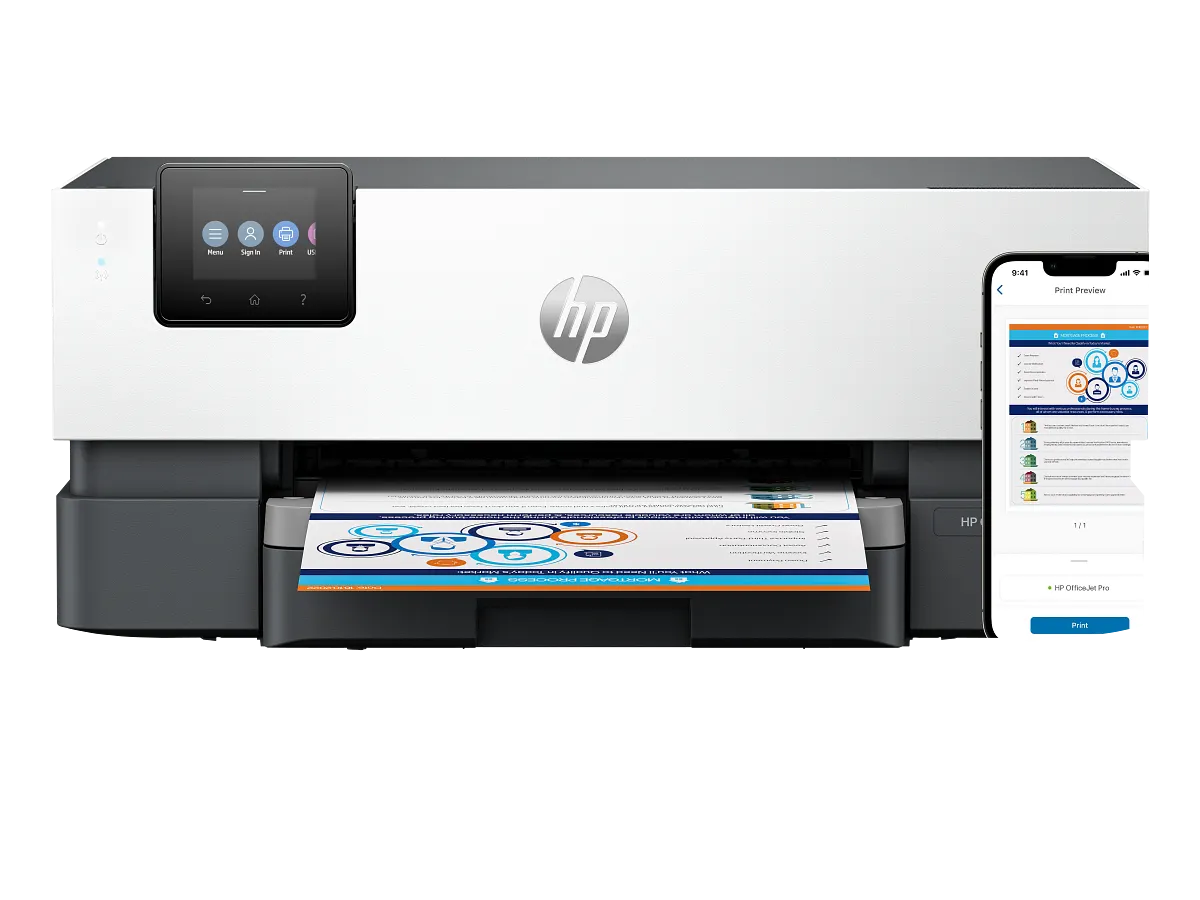
The most important specification is the simplest: this model prints. There is no scanner to capture a signed page and no copy mechanism to duplicate an original. That is perfectly reasonable in a workspace with an existing scanner or established digital intake.
It is less sensible as an assumed replacement for a household all-in-one. Follow an actual document from arrival to filing before purchase; if a step needs a scanner, decide explicitly which device will supply it.
Useful output handling for a shared desk
HP specifies automatic duplex and a 250-sheet input. Those features support recurring reports and two-sided reference packs without manual reloading. Set a suitable default duplex preference, but check individual jobs such as letterhead or special media before sending them.
The touchscreen helps with local interaction, while networking lets the machine serve several devices. Plan the output area so confidential or time-sensitive pages are collected rather than becoming an anonymous stack beside the printer.
Inkjet ownership with separate colors
Four independent cartridges suit a workflow that exhausts colors unevenly. They still require a cost comparison using the correct local supply family. Estimate black and color output separately and avoid treating an office speed rating as evidence of a particular running cost.
Review HP’s dynamic-security information when considering replacement cartridges. Regional variants and suffixes also deserve attention: match the model and product number on the offer to the official specification rather than relying on a shortened listing name.
Compare a complete workflow, not a feature count
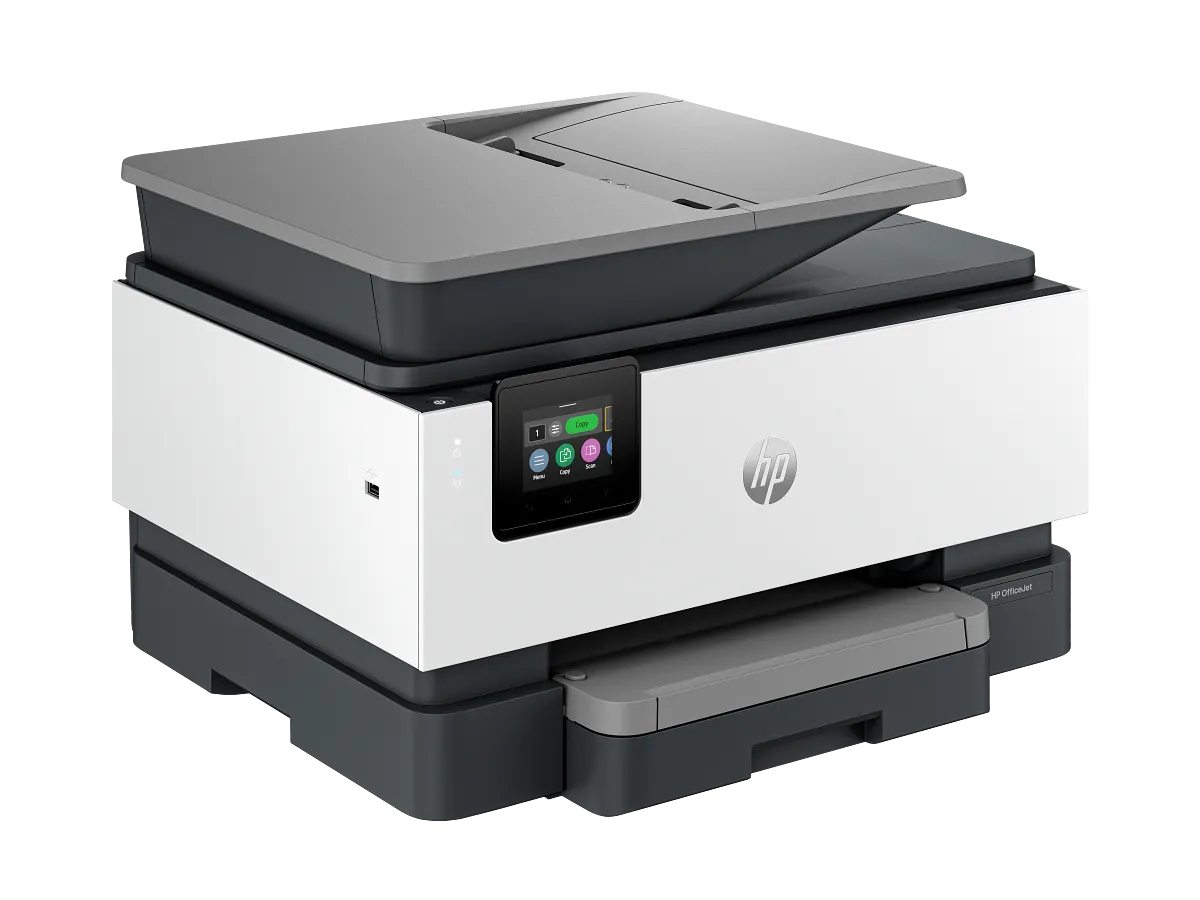
Choose the 9110b if a separate scanner already works well and printing deserves its own shared device. A networked location can free the main desk, provided there is convenient paper access and someone takes responsibility for replenishment.
Compare the 9125e when scanning or copying must move into the same machine. Keeping two devices can be useful, but only when it is intentional; otherwise an integrated alternative may remove trips, cables and software switching from everyday work.
When to look elsewhere
- Integrated copying or scanning
- Built-in fax
The key specifications
- Functions
- Print only
- Rated ISO speed
- Up to 22 black / 18 color ppm
- Input
- 250 sheets
- Print duplex
- Automatic
Check the complete regional specification, current supply compatibility, and software requirements before buying. Manufacturer ratings are not our measured results.