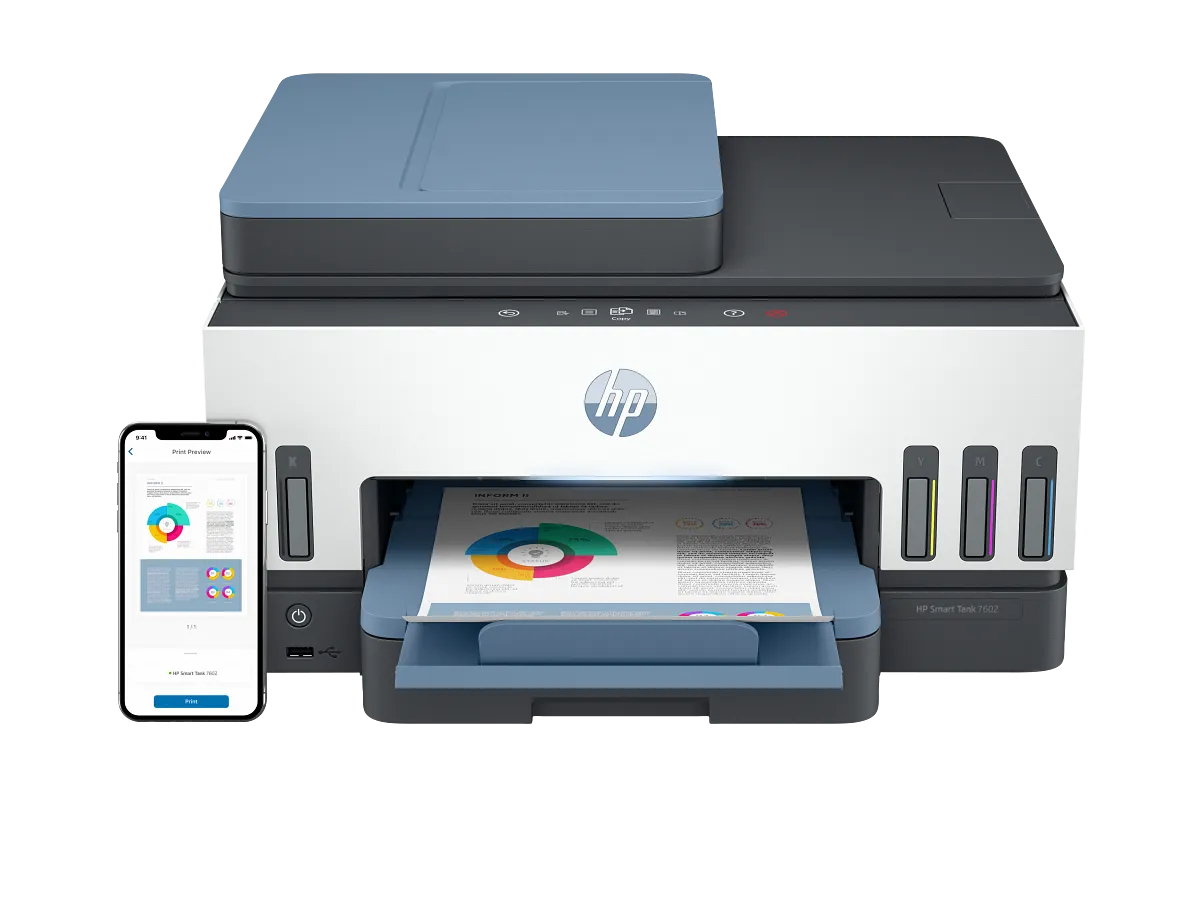
HP Smart Tank 7602
A refillable all-in-one with automatic two-sided printing, a document feeder and wired networking for a shared workspace.
Practical guides, thoughtful comparisons, and a clearer
choice for everything you print.
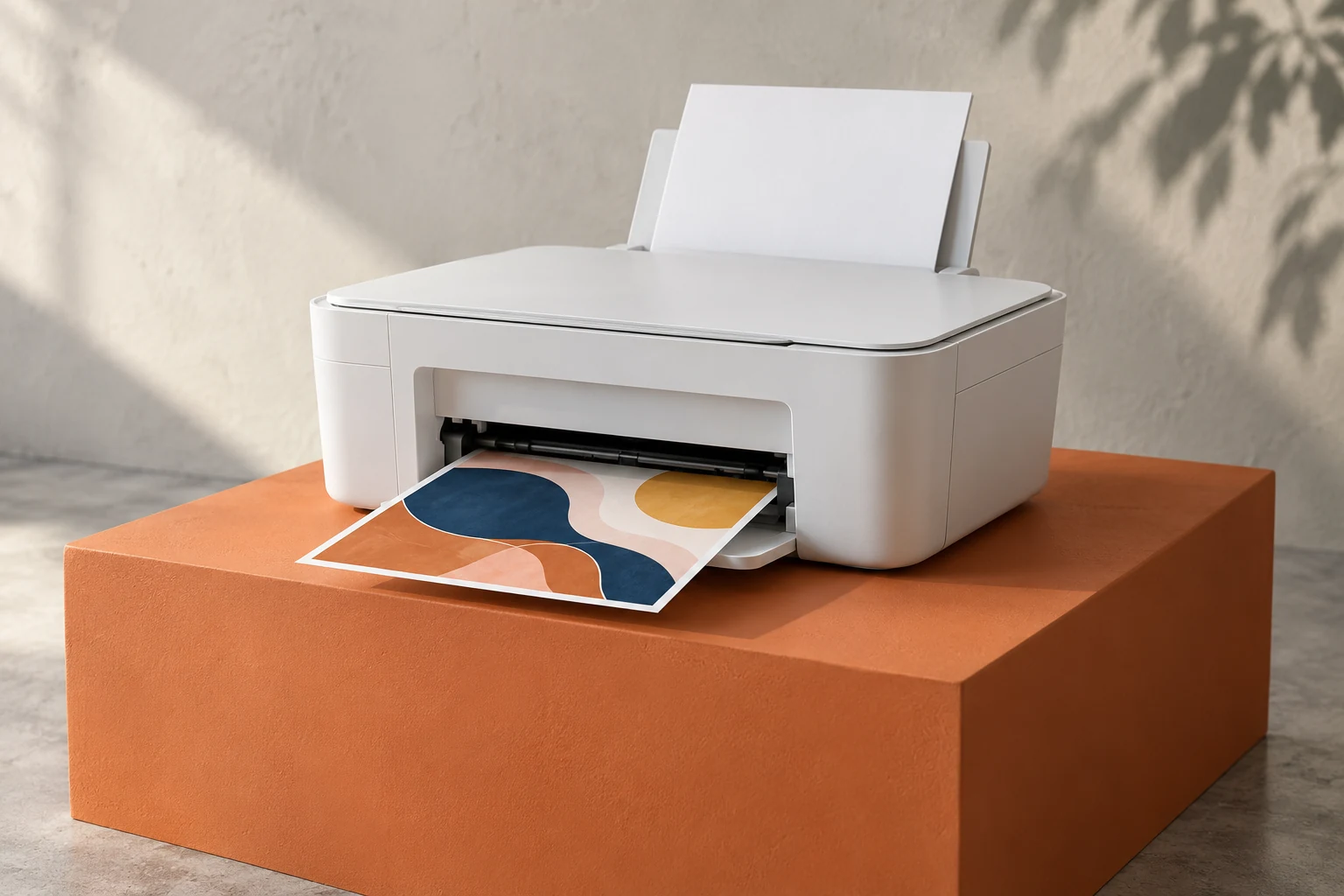 A little inspiration, on paper.
From home offices to creative projects.
Everyday questions. Clearer choices.
Our Customer Feedbacks.
“The home office guide helped me understand which features I actually needed. Comparing paper handling and running costs made my shortlist feel much more manageable. The explanations were clear enough to revisit while checking the models against my own workspace.”
“I was focused on the printer’s price until the ink cost calculator showed how supplies could change the picture. It gave me better questions to ask. Seeing the assumptions also helped me adjust the estimate to suit my printing habits.”
“The side-by-side comparisons made duplex printing and scanner differences easier to understand. I could see which trade-offs mattered for the way I work. Having those details together saved me from keeping several separate lists of features.”
“The photo printing guides explained paper size, ink types, and everyday upkeep in plain language. I finally understood why different printers suit different kinds of photos. It was a useful place to start planning prints for a small creative project.”
“The finder gave me a useful starting point without making the choice feel overwhelming. I liked being able to narrow the options around my everyday printing needs. I could then read the individual guides with a much clearer idea of my priorities.”
“I came looking for an ink tank printer and stayed for the buying guides. The explanations helped me separate useful features from specifications I would rarely use. I appreciated having the practical considerations explained alongside the technical details.”
“I needed a clearer way to compare printers for a small home office. The guides brought scanning, paper handling, and everyday running costs into the same conversation. That helped me think about the whole setup before narrowing down the options.”
“For our small business planning, I wanted to understand the difference between a useful feature and an unnecessary extra. The comparison pages made it easier to discuss document needs and decide which specifications deserved a closer look.”
“The scanning guides helped me notice details I had overlooked, especially automatic document feeders and two-sided scanning. I appreciated seeing those features explained in ordinary language alongside practical questions about how often I would scan a stack of documents.”
“The ink cost calculator gave me a useful way to explore different monthly printing estimates. Changing the supply price and page yield helped me understand why the cheapest printer on the shortlist might not suit the same budget over time.”
“Choosing a printer for a family means thinking about more than occasional homework. The home printing guides helped me consider photos, longer documents, and space on the desk together. I liked having those everyday needs explained without a long list of unexplained terms.”
“I wanted a printer that made sense for a small study corner, but I was unsure where to begin. The finder gave me a starting shortlist, and the guides helped me check the features against the type of documents I expected to print.”
“The comparison pages made it easier to talk through printer options for a shared workspace. Having connectivity, paper handling, and scanning details together helped us build a checklist. We could then focus our reading on features relevant to the documents we usually prepare.”
“The photo guide helped me slow down and check the original file, paper setting, and crop before printing. Those small checks made the process feel much less confusing, especially when a picture looked brighter on my phone than on paper.”
“I had been treating every paper pack as interchangeable. The guide gave me a practical way to check finish, weight, and tray limits before choosing supplies. It is the kind of detail that makes a creative project easier to plan.”
“The wireless guide broke a familiar frustration into manageable checks. Looking at the network, device connection, and print queue separately gave me a clearer starting point. I liked having an explanation I could follow without needing to understand every networking term.”
“I finally understood why automatic two-sided printing deserves its own place on a shortlist. The guide connected the feature to everyday reports and schoolwork, then reminded me to check supported paper sizes. That made comparing model specifications feel much more purposeful.”
“Most of my documents arrive on my phone, so the mobile printing advice felt relevant immediately. The reminders about page ranges, scaling, and previews were useful. I now have a simple checklist to read before sending an important form to print.”
“I wanted maintenance advice that explained the reason behind each step. The care guide encouraged me to check the manual, use the right supplies, and approach print quality issues patiently. It made routine upkeep feel more understandable and easier to fit in.”
“The home office guide helped me think about where printing actually fits into my week. Paper storage, scanning a stack, and keeping the connection straightforward suddenly seemed as important as speed. I came away with a more useful list of priorities.”
“I started with a long list of features and no idea which ones mattered. The printer finder helped me connect those options to my actual routine, while the comparison page made it easier to keep a sensible shortlist.”
“The comparisons gave our small team a clearer way to discuss what we needed. Seeing paper capacity, connectivity, and two sided printing together helped us focus on everyday documents instead of getting distracted by whichever specification sounded most impressive.”
“I wanted to understand portable printers before choosing one for occasional work away from home. The guides helped me think about battery options, paper handling, and connection requirements, so I could check the practical details against my own travel routine.”
“I had been treating every photo printer as a possible option for larger artwork. Reading about supported paper sizes and ink systems helped me see why wide format printing needs a more careful shortlist than the familiar model names suggested.”
“My main question was about scanning rather than printing. The explanations of flatbeds, document feeders, and two sided scanning gave me a useful checklist for family records, especially the differences I would have missed by looking only at print speed.”
“The student focused advice helped me slow down and think about how often I would print. I found the discussion of space, replacement supplies, and occasional color work more useful than simply sorting a list by the lowest starting price.”
“I needed a better starting point for discussing a shared office printer with our administrator. The networking and security guidance helped me identify questions about access, software, and ongoing maintenance that we should verify directly in the manufacturer documentation.”
Start with the way you print.
The rest gets a little simpler.
Good picks for real life.
Explore printers by what matters to you.
A refillable all-in-one with automatic two-sided printing, a document feeder and wired networking for a shared workspace.
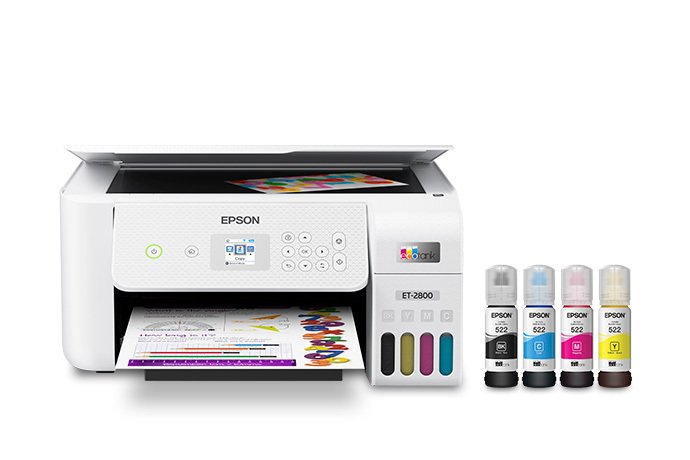
A straightforward refillable all-in-one for households that print regularly but handle their scanning one original at a time.
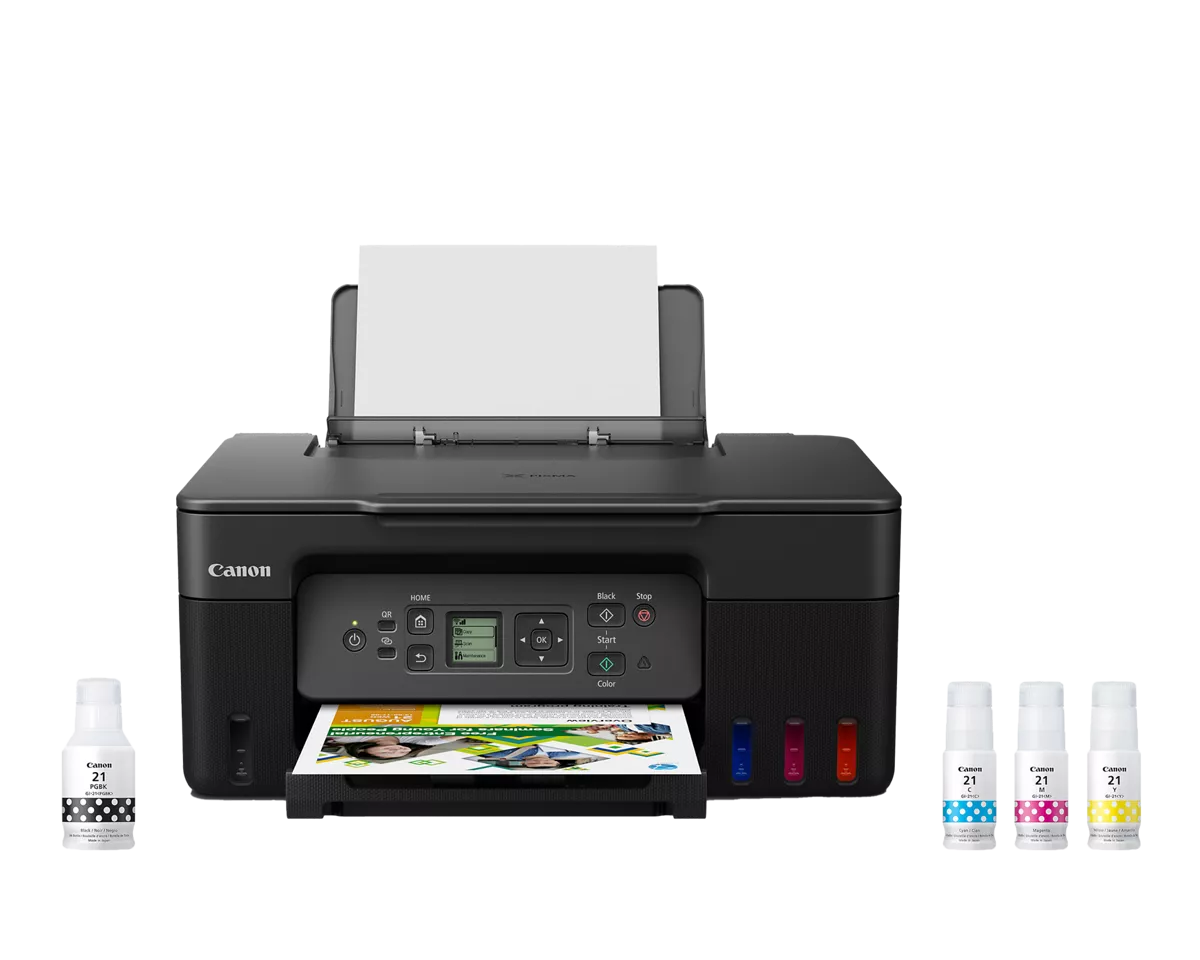
A refillable home all-in-one for regular color pages, with a simple document workflow that suits small jobs rather than a scanning backlog.
A clear introduction to ink systems, the specifications that matter and the first habits that keep printing simple.
Read the guideUnderstand cartridges, refill bottles and page yields before a low purchase price becomes an expensive habit.
Read the guidePaper, crop and print settings matter. Get a better first print without chasing the biggest resolution number.
Read the guideWhat happens after the first cartridge matters. Use a replacement supply’s price and rated yield to estimate the cost of the pages ahead.
Understand the real cost of inkEstimates use your inputs. Excludes the printer, paper, maintenance, and electricity. For color, use the combined supply cost and a comparable composite yield.
A few quick questions. A shortlist that fits.