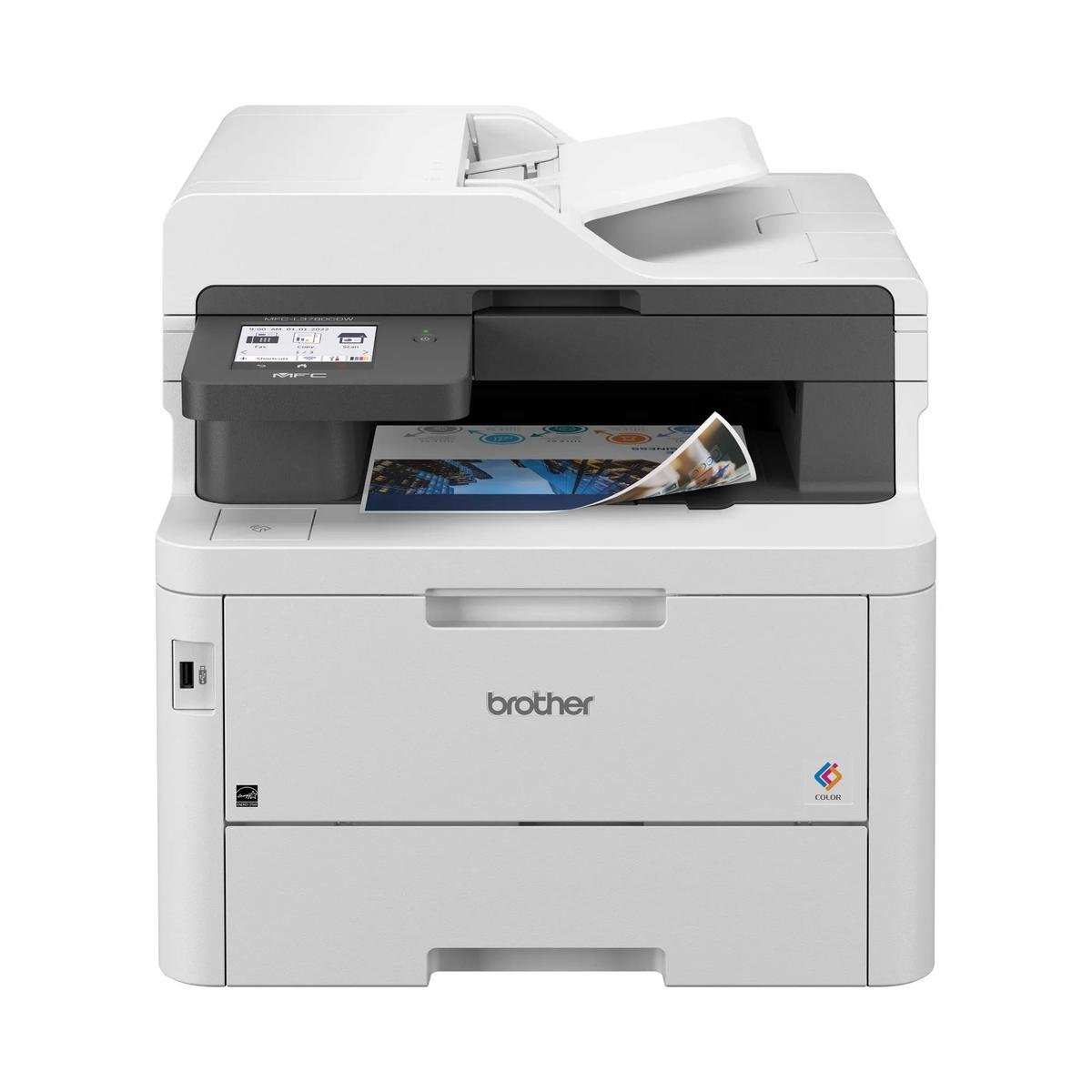
A central location can simplify the day
The 4301fdw has a natural role where several people need both incoming-paper capture and outgoing color documents. Consolidating those tasks can reduce trips between equipment, provided the chosen location is genuinely convenient for originals and finished output.
Think through the queue as well as the feature list. A team that copies an original while another person waits for a report needs an agreed routine for collecting pages, naming scans and keeping sensitive documents out of a communal pile.
Use color for information, not just decoration
HP rates black and color printing at up to 35 pages per minute under its stated conditions. That makes it worth comparing for recurring color reports, but the figure should not be read as a prediction of every large image job.
Proof charts, small text and page margins on the actual supported paper before a production batch. For capture, confirm feeder behavior and destinations in the exact offered configuration. A suitable scanned file is part of the result, rather than an optional afterthought to the printed page.
The ownership budget includes a color set
Four independent toner cartridges allow selective replacement. Nevertheless, a complete cost estimate needs the compatible black and color supplies, expected page coverage and the office’s routine output. A color-heavy presentation does not resemble a short monochrome form.
Check regional supply identifiers, cartridge compatibility and who will administer updates. For fax, confirm the working telephone arrangement; for network scans, confirm the destination permissions. These practical setup decisions determine whether consolidation actually saves time for the team.
Compare the multifunction benefit directly
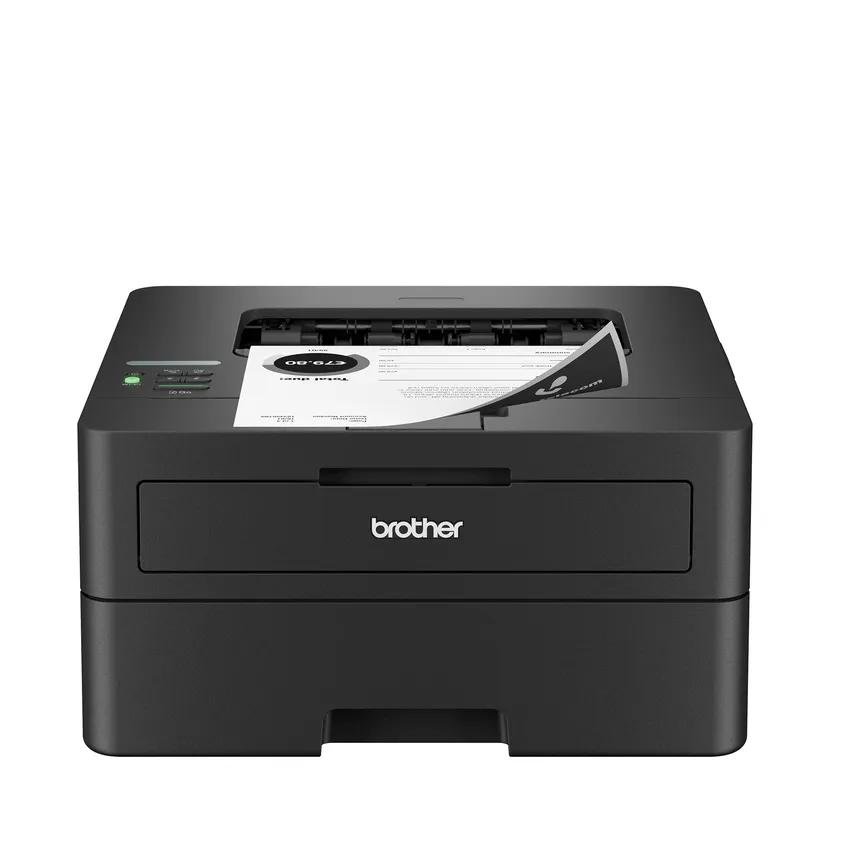
If incoming paper is rare and a separate scanner already works, the print-only 4201dw is a logical alternative to examine. If scanning and fax happen daily, the 4301fdw’s combined role becomes more valuable than a smaller list of output specifications.
Choose after testing a representative document route from original to saved file and final print. A central all-in-one should remove work, so evaluate the repeated steps it eliminates instead of assuming that combining four functions automatically improves every office.
When to look elsewhere
- Print-only simplicity
- Minimal color demand
The key specifications
- Rated letter speed
- Up to 35 black / color ppm
- Functions
- Print, copy, scan, fax
- Toner arrangement
- 4 separate colors
- Print duplex
- Automatic
Check the complete regional specification, current supply compatibility, and software requirements before buying. Manufacturer ratings are not our measured results.