A wired printer for a fixed place
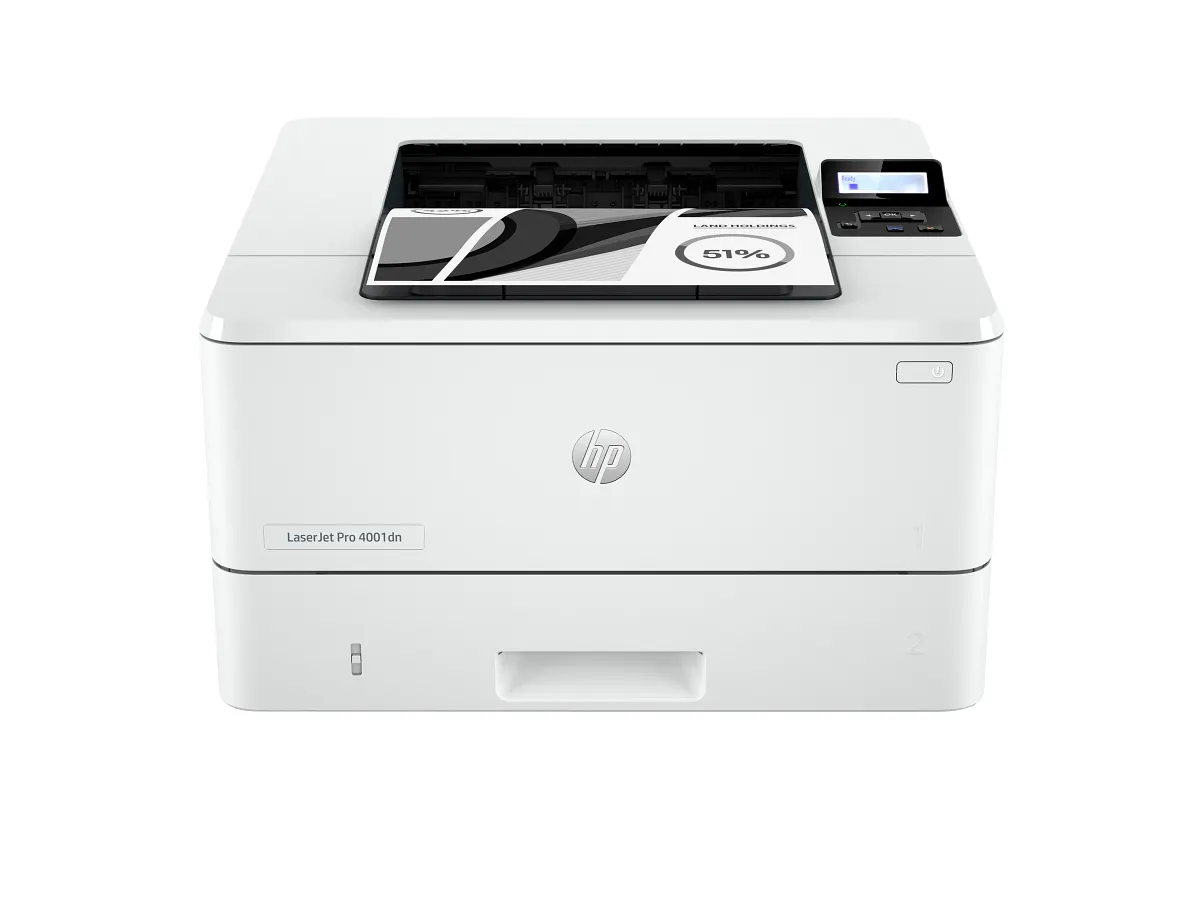
The dn suffix matters here: HP’s configuration table shows Ethernet and USB, without the wireless functionality of the dw model. That can be a sound choice for an office with a network point beside the intended print area.
Do not read networked printing as a requirement that every computer also uses a cable. Devices on the appropriate shared network may reach an Ethernet-connected printer; the organization still needs a working setup and supported print software.
Paper separation is a practical advantage
A 100-sheet multipurpose tray and 250-sheet main tray give the office a way to keep different supported paper roles apart. This is more useful for letterhead or occasional envelopes than repeatedly unloading the main supply.
Automatic duplex suits reports and reference packs. Check media restrictions before using the duplex route, and proof a two-page document if orientation matters. Where work grows, an optional 550-sheet feeder is listed, but compatibility and the required physical space should be confirmed before purchase.
Throughput is only part of the ownership story
The rated letter speed is up to 42 pages per minute, with a lower A4 figure. Compare matching paper sizes rather than treating every ppm claim as interchangeable. Real jobs also include first-page time, software processing and staff collecting the output.
Budget compatible black toner against the office’s actual coverage. Keep the complete product and supply identifiers in a shared equipment record, and check cartridge-chip requirements before choosing a third-party replenishment arrangement.
A sensible shortlist starts with the network point
Choose the 4001dn when monochrome documents and wired placement describe the job, and scanning already happens elsewhere. A team without a convenient cable route should compare the wireless variant before attempting to adapt the office around the wrong configuration.
For a desk that needs scanning and fax as well, examine a multifunction alternative. The 4001dn’s strengths are straightforward output and useful paper handling, provided they serve an existing document routine rather than an imagined future workload.
When to look elsewhere
- Built-in Wi-Fi requirements
- Integrated scanning
The key specifications
- Rated speed
- Up to 42 letter / 40 A4 ppm
- Standard paper input
- 100-sheet + 250-sheet trays
- Network
- Ethernet; no built-in Wi-Fi
- Print duplex
- Automatic
Check the complete regional specification, current supply compatibility, and software requirements before buying. Manufacturer ratings are not our measured results.