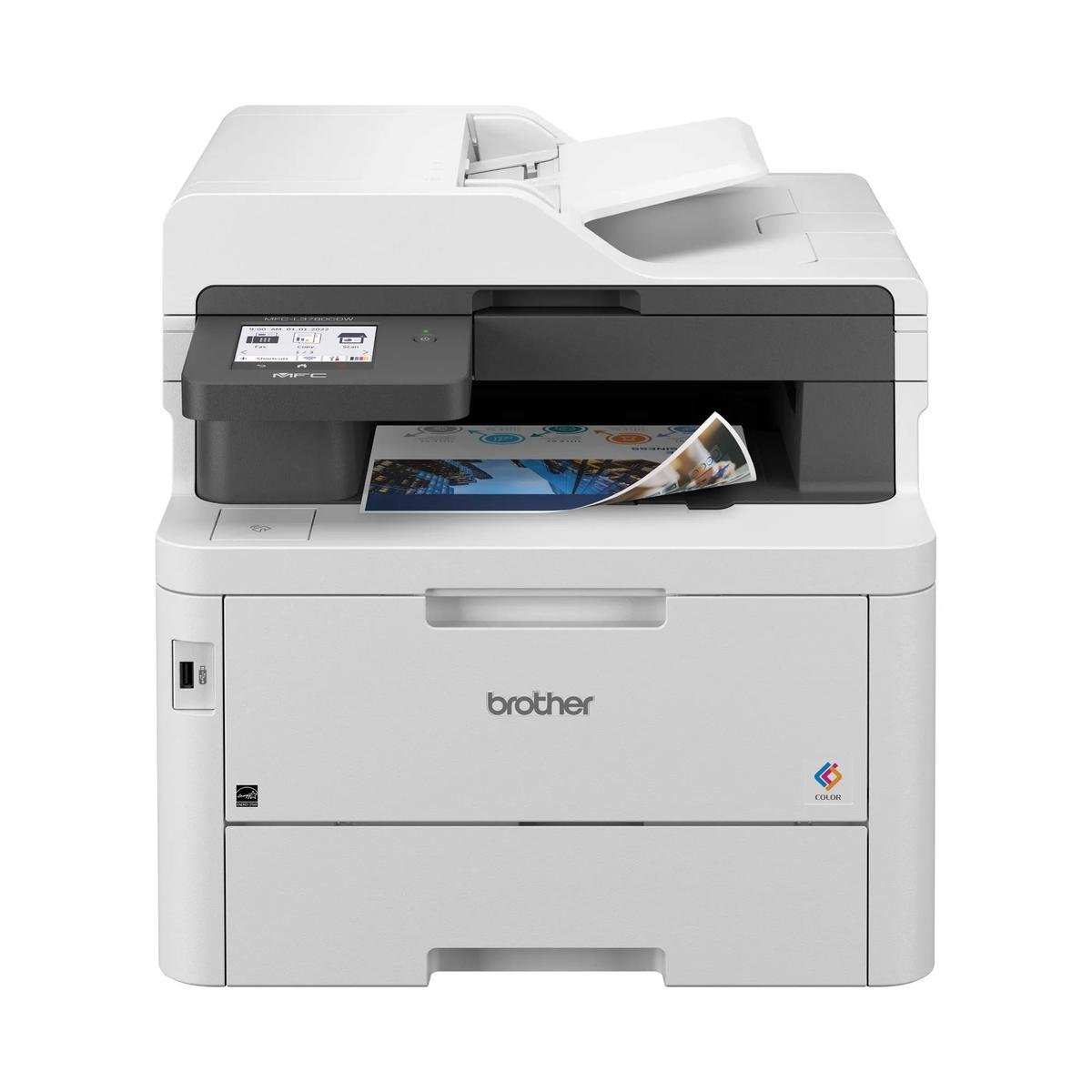
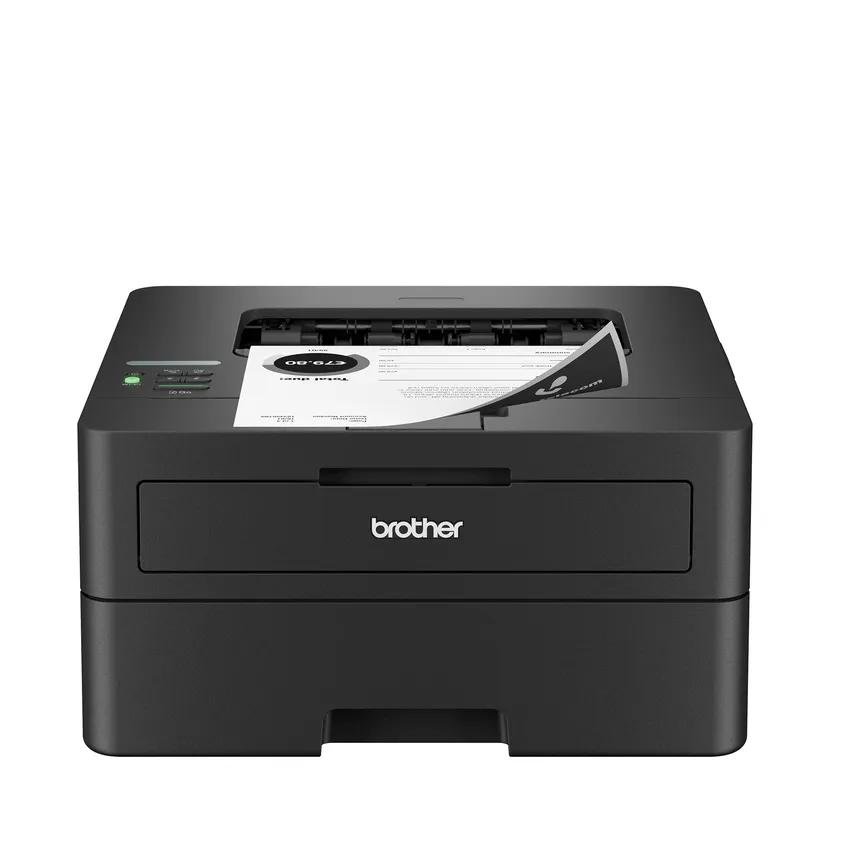
Look closely at the incoming document pile
The 3301sdw is most useful to examine from the scanner side. A team that receives double-sided paperwork needs more than a color print engine, and HP’s exact-model specification lists duplex ADF scanning for this configuration.
That can change the effort involved in creating an archive. Decide where scanned files will go and who checks completeness before discarding originals; automated feeding does not remove responsibility for confirming that the saved document contains every required side.
One device, two different paper systems
The 50-sheet feeder holds originals, while the 250-sheet main tray supplies print jobs. A one-sheet priority feed accommodates occasional alternate media. Keep these capacities separate when planning a batch; combining them into one headline would misrepresent what the machine can hold for a particular task.
For delicate originals, the flatbed is the better path. Check supported feeder sizes, scanning resolution and file output in the intended software, particularly when a document includes small handwriting or faint stamps.
Color ownership deserves deliberate budgeting
Separate black, cyan, magenta and yellow cartridges allow selective replacement, but the office must still maintain a color supply system. Estimate pages in each document class and compare local compatible toner yields rather than assuming a universal saving from laser technology.
The exact product and regional cartridge numbers should match the offer. HP’s regional specification data can vary, so verify any essential fax function directly against the supplied product number rather than relying on a nearby model or a shortened shop description.
Let capture requirements decide the shortlist
The strongest reason to select this model is a combined routine: color output plus multipage, two-sided intake. If incoming paper is rare, a dedicated color printer may make more sense; if it is constant, compare scan throughput and destination setup as well.
Before committing, ask for confirmation of the exact configuration and test a representative PDF workflow during installation. Choosing the right multifunction model means making both the printed page and the retrieved digital file easier to produce, not simply collecting another capability label.
When to look elsewhere
- Buyers assuming suffixes guarantee fax
- Photographic fine-art output
The key specifications
- Rated letter speed
- Up to 26 black / color ppm
- Document feeder
- 50 sheets
- Duplex scanning
- Listed as supported
- Main input
- 250 sheets
Check the complete regional specification, current supply compatibility, and software requirements before buying. Manufacturer ratings are not our measured results.