A document desk without a fax-first requirement
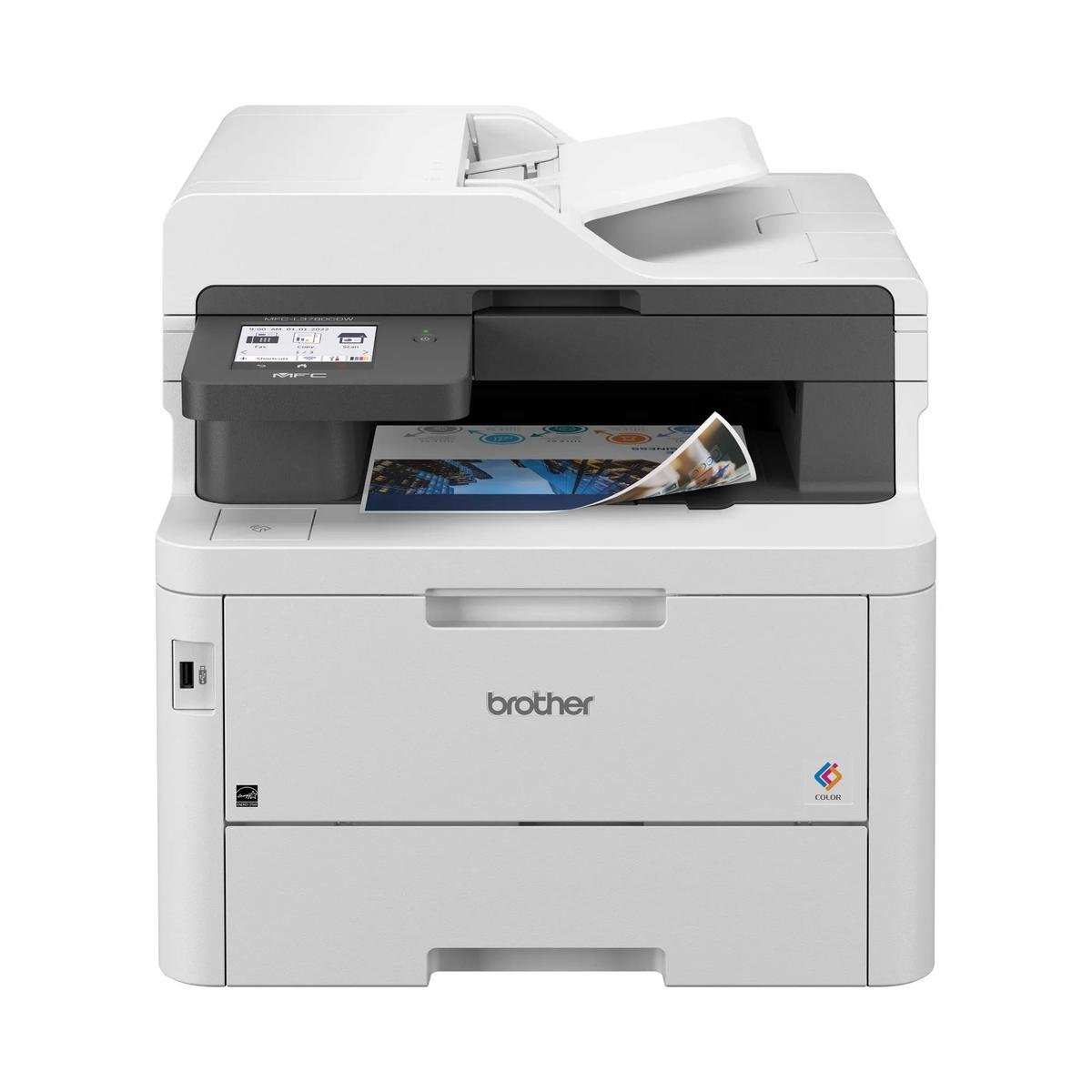
The 3101sdw brings print, copy and scan into one workspace. Its most natural owner has a practical need to move between paper originals and digital files, but does not want a purchase driven by conventional fax capability.
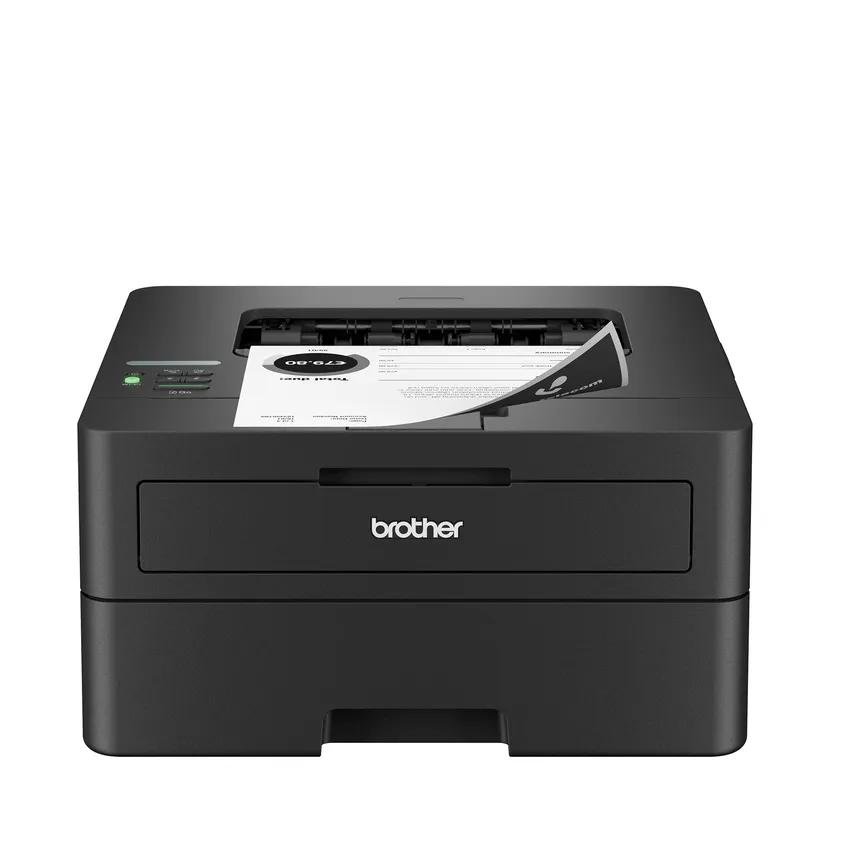
Compare it with the print-only 3001dw by tracing one actual incoming form. If the form regularly needs a copy or a saved file, the additional scanner has a clear job; otherwise its value is less certain.
Use feeder capacity as a workflow clue
The official specification identifies a 50-sheet document feeder, while HP’s product page lists automatic two-sided printing. Those features reduce different kinds of handling: feeding originals and turning printed output. Verify two-sided scanning separately instead of assuming both mechanisms share the same automation.
For a stack, check supported original dimensions and prepare clean, unstapled sheets. For a fragile document, use the appropriate flatbed process. Choose scan resolution for readable work and manageable files rather than maximizing every setting without a reason.
Plan ownership around useful monochrome pages
A small office often produces different black-and-white documents: light text, dense forms and graphics with shaded backgrounds. These do not consume identical amounts of toner. Compare replacement yields consistently, then leave room in the budget for your actual document coverage.
Retain the correct regional supply numbers and assign someone to monitor the remaining spare. Review cartridge requirements before relying on a supply vendor already used elsewhere in the business. Similar-looking LaserJet cartridges should never be assumed interchangeable.
Choose the scanner you will actually use
The 3101sdw becomes persuasive when copying and digitizing are recurring desk tasks. Ask whether the intended scan application saves the required PDF format and whether its destination is convenient for the people doing the work.
Compare a duplex-scanning alternative for heavy two-sided intake, or the fax-equipped 3101fdw if that function is essential. For the right small office, the sensible result is a tested document routine, not simply a printer with a longer list of functions on the box.
When to look elsewhere
- Color output
- Buyers choosing chiefly for fax
The key specifications
- Rated letter speed
- Up to 35 black ppm
- Functions
- Print, copy, scan
- Document feeder
- 50 sheets
- Print duplex
- Automatic
Check the complete regional specification, current supply compatibility, and software requirements before buying. Manufacturer ratings are not our measured results.