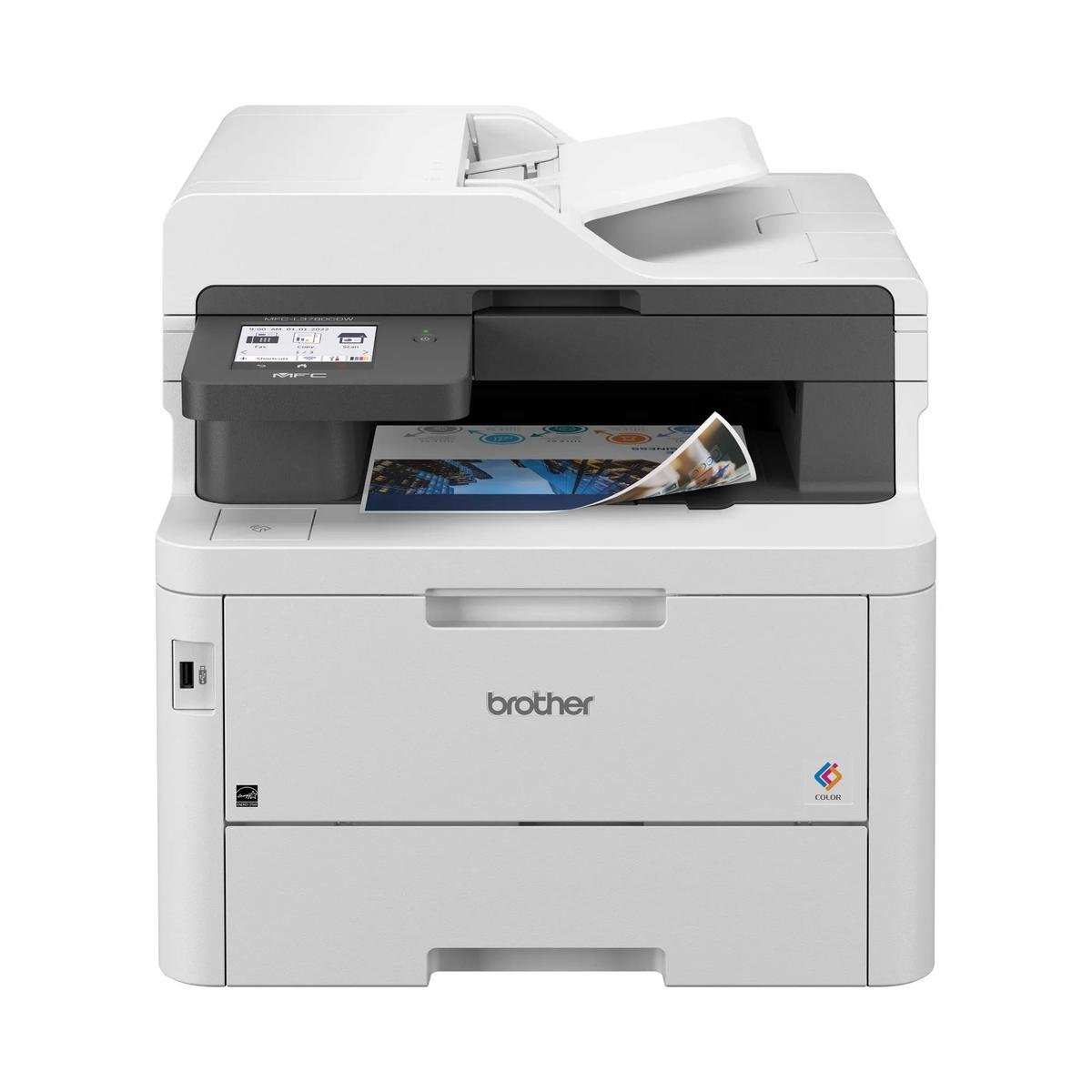
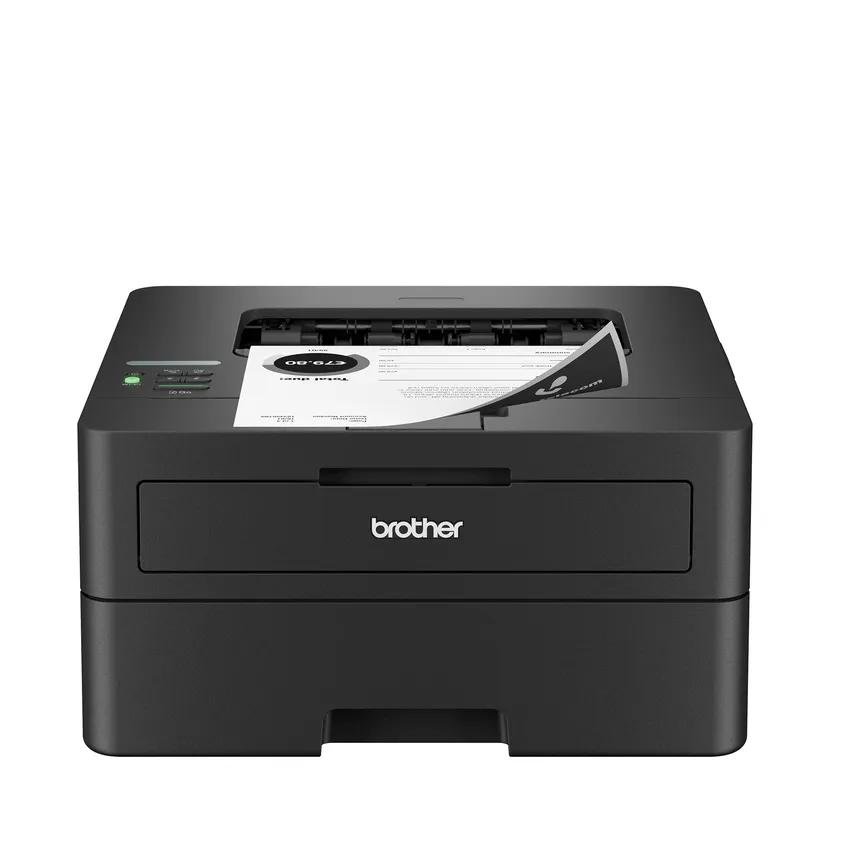
Fax and scanning make it more than a printer
The 3101fdw combines output with incoming-document tasks. It is relevant to an administrative desk that copies originals, scans forms and sends traditional faxes, rather than a workstation that only prints an occasional page.
Before choosing it, confirm how fax will connect to the office’s telephone arrangement. A fax port is a hardware capability; actual service and compatibility still need to be established, particularly where the phone system is centrally managed.
The feeder handles stacks, not both sides automatically
HP lists a 50-sheet automatic document feeder but explicitly says duplex ADF scanning is not supported. That is the crucial distinction for contracts and correspondence printed on both sides. Repeated manual flipping may be more consequential than the advertised print throughput.
Automatic print duplex is included and serves a different task. The 250-sheet main tray supports regular output, while the flatbed remains useful for suitable originals that cannot be fed. Proof both scan order and print orientation during setup.
A monochrome supply routine needs realistic yields
One black cartridge avoids managing several toner colors. Compare the compatible standard and higher-yield replacement options using local costs, and allow for dense documents rather than assuming every sheet resembles a manufacturer’s test page.
Assign responsibility for keeping a spare when the office depends on the device. Also check cartridge-chip requirements and update information before committing to an existing third-party supply arrangement. A printer that fits the document workflow must fit the replenishment policy too.
The comparison turns on incoming paper
Choose the 3101fdw if single-sided originals dominate and fax is a repeated requirement. If duplex originals arrive every day, compare a multifunction model with automatic two-sided capture. That comparison should focus on staff effort, not only pages per minute.
An office that never uses fax should also examine a scan-and-copy configuration. Verify the exact suffix, supported drivers and desired scan destinations before buying, then save a tested everyday workflow so staff do not have to reconstruct it for every batch.
When to look elsewhere
- Automatic duplex scanning
- Printed color documents
The key specifications
- Letter rated speed
- Up to 35 black ppm
- ADF
- 50 sheets; single-sided
- Input
- 250 sheets
- Functions
- Print, copy, scan, fax
Check the complete regional specification, current supply compatibility, and software requirements before buying. Manufacturer ratings are not our measured results.