A useful division of office equipment
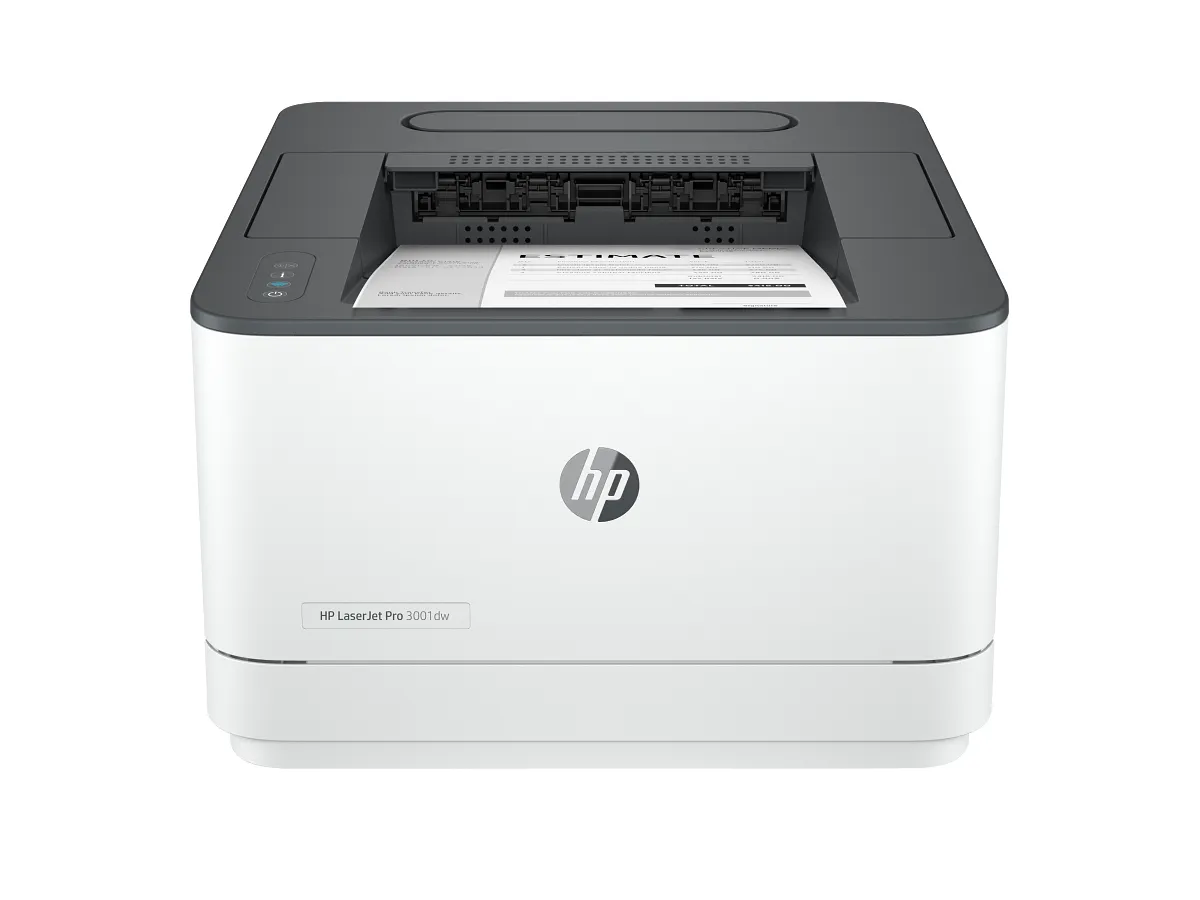
The 3001dw is a candidate for a team that has already separated document capture from output. A dedicated printer can live near the people collecting reports while a scanner remains at the administrative desk. That arrangement can be more sensible than duplicating every function.
However, a print-only model does not solve a missing-copy problem. Walk through the office’s paper tasks before purchase, especially where visitors expect to copy a form without opening an application.
Monochrome should be an intentional choice
Text, shipping paperwork and internal reference packs often do not need color. Where a chart uses color alone to distinguish categories, revise the document so labels or patterns remain understandable in grayscale. The output choice should not make business information harder to read.
Automatic two-sided printing is useful for regular reports, provided the selected paper supports the duplex path. Test the binding direction and any preprinted letterhead before setting a team-wide default that could affect every job.
Compare toner across the real document mix
A single black toner supply makes inventory simpler than managing a color set. It does not establish a particular cost per usable page. Compare compatible local replacements, their stated yields and the amount of toner your invoices or reports typically cover.
Keep supply policy separate from marketing claims about security or management. Review HP’s cartridge compatibility information and the software required on the team’s computers. An administrator should know where settings and update responsibility sit from the start.
Buy for a stable shared workflow
The best fit is an office producing recurring monochrome material, with scan and fax needs already handled elsewhere. A home desk printing only a few forms may not need the same workgroup-oriented design; a compact personal laser deserves comparison.
Check the exact regional configuration, network method and supported media before ordering. If incoming paper must also be digitized at this location, compare a 3101-series multifunction model rather than relying on staff to improvise the missing workflow afterward.
When to look elsewhere
- Color presentations
- Built-in copying
The key specifications
- Technology
- Monochrome laser
- Functions
- Print only
- Print duplex
- Automatic
Check the complete regional specification, current supply compatibility, and software requirements before buying. Manufacturer ratings are not our measured results.