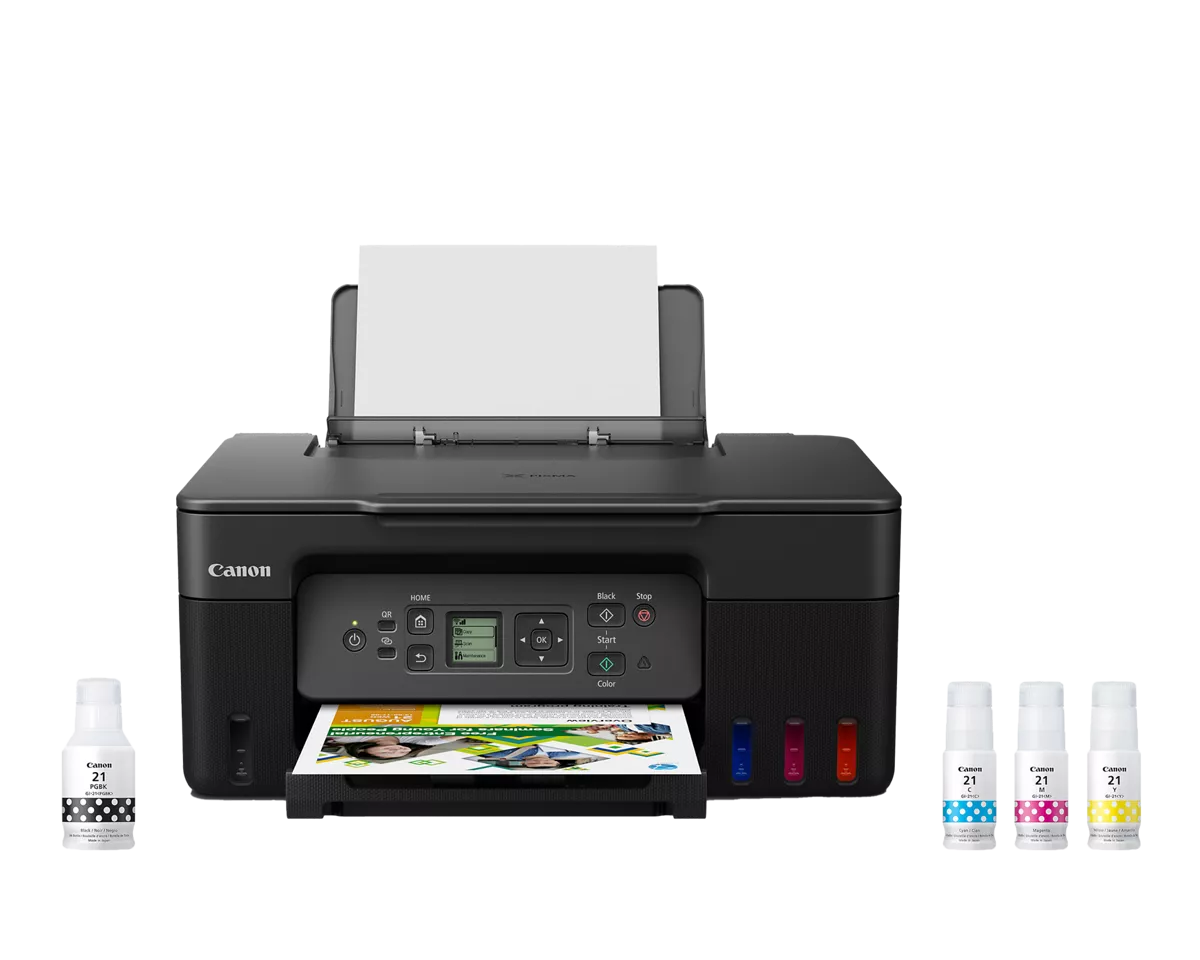
A deliberate middle position
The 6001 is interesting because it adds automatic two-sided printing to a relatively straightforward home tank all-in-one. It does not attempt to become a full document station with a large feeder and office controls. A family printing homework, instructions and occasional photographs may prefer that balance. Start by deciding whether duplex will be used regularly. If most jobs are a single page, the feature has limited practical value; if long handouts are common, it removes a repeated manual step that can make a simpler tank printer frustrating.
Printing and scanning are different decisions
The flatbed handles individual originals, while the 100-sheet input tray supplies printed output. Neither should be confused with an automatic document feeder for scanning. A home office that scans signed forms one at a time can work comfortably within that boundary. A household digitizing years of loose paperwork should look at capture equipment separately. Adding a feeder later is not an assumption to make from a family resemblance. Buy the scanning mechanism you need now rather than expecting a refillable ink design to solve an unrelated document-handling problem.
How to read the output figures
HP quotes up to 12 black and 7 color ISO pages per minute, with automatic duplex specified separately. Those figures describe rated single-sided test output; longer two-sided jobs and high-quality photographs require their own time allowance. Use a preview to check layout and page order before sending an entire pack. For occasional pictures, choose an approved photo medium and suitable settings. The tank supply can support regular color projects, but resolution and capacity claims alone cannot establish photographic accuracy or the appearance of a particular image on paper.
When this balance is enough
Compare refill costs and warranty coverage in your country, and confirm software compatibility for both computers and mobile devices. Do not budget from a calendar-years-of-ink headline without reading the page assumptions behind it. The 6001 is a good shortlist candidate when home color use is regular, duplex matters and scanning remains individual. The 7001 is worth comparing if a larger paper supply would reduce interruptions, while a feeder-equipped model addresses a different need. Choose based on the repeated task that consumes time, rather than treating every higher model number as an automatic improvement.
When to look elsewhere
- Batch scanning
- Large shared-office queues
The key specifications
- Rated ISO speed
- Up to 12 black / 7 color ppm
- Scanner
- Flatbed
- Ink system
- Refillable tanks
Check the complete regional specification, current supply compatibility, and software requirements before buying. Manufacturer ratings are not our measured results.