Separate the model from the bundle
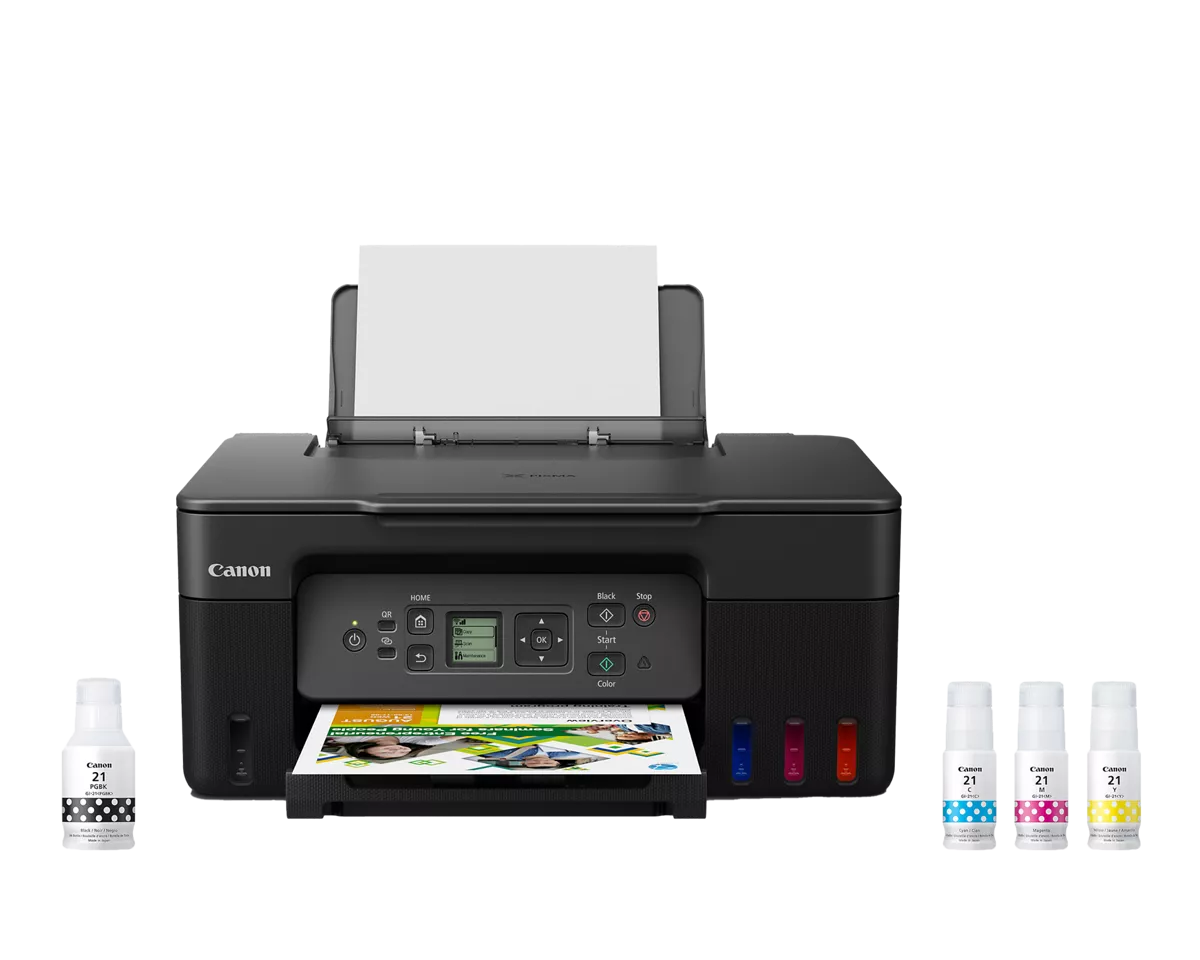
The 5103 sits in the home refillable-tank category, combining printing, copying and scanning. HP's datasheet includes a photo-paper pack in the documented package, but that should be treated as a bundle detail rather than evidence of a more sophisticated photo engine. Check the exact local contents before ordering. A household choosing between similar tank models should compare the functions it will use over several years, not allow a small accessory pack or a printed ink-duration promise to decide the entire hardware purchase.
A manual paper workflow
Its 100-sheet input tray is appropriate for a family desk, while two-sided printing requires manual handling. The flatbed likewise suits a single photograph or signed form rather than a pile of originals awaiting automatic capture. Consider a typical busy week: if someone prints a long school pack and scans a collection of receipts, how often will they need to return to the machine? Refillable ink can make regular color output easier to plan, but it does not remove these physical steps or create office-grade scanning automation.
Keep color projects in perspective
The manufacturer rates normal ISO output at up to 12 black and 5 color pages per minute. A worksheet with a small logo and a dense full-page picture do not create the same job, so use those figures as a benchmark rather than an exact forecast. For creative work, paper selection, image preparation and print settings deserve as much attention as the ink system. Test a representative page before printing many copies. A wasted batch consumes paper and time even when the estimated ink cost per page is modest.
Make a local ownership comparison
Review replacement bottle availability, warranty coverage and current driver support for the market where the printer will live. Similar-looking regional tank models can differ in supplied ink or accessories, and importing a bundle can complicate support. The 5103 makes sense when a household prints regularly and accepts a simple manual workflow. A model with automatic duplex is a better comparison when long reports are common; a feeder-equipped device matters when scanning becomes routine. Price the whole requirement before accepting a superficially better bundle as the better printer.
When to look elsewhere
- Automated paperwork
- Buying only for bundled supplies
The key specifications
- Rated ISO speed
- Up to 12 black / 5 color ppm
- Duplex
- Manual
- Document feeder
- Not included
Check the complete regional specification, current supply compatibility, and software requirements before buying. Manufacturer ratings are not our measured results.