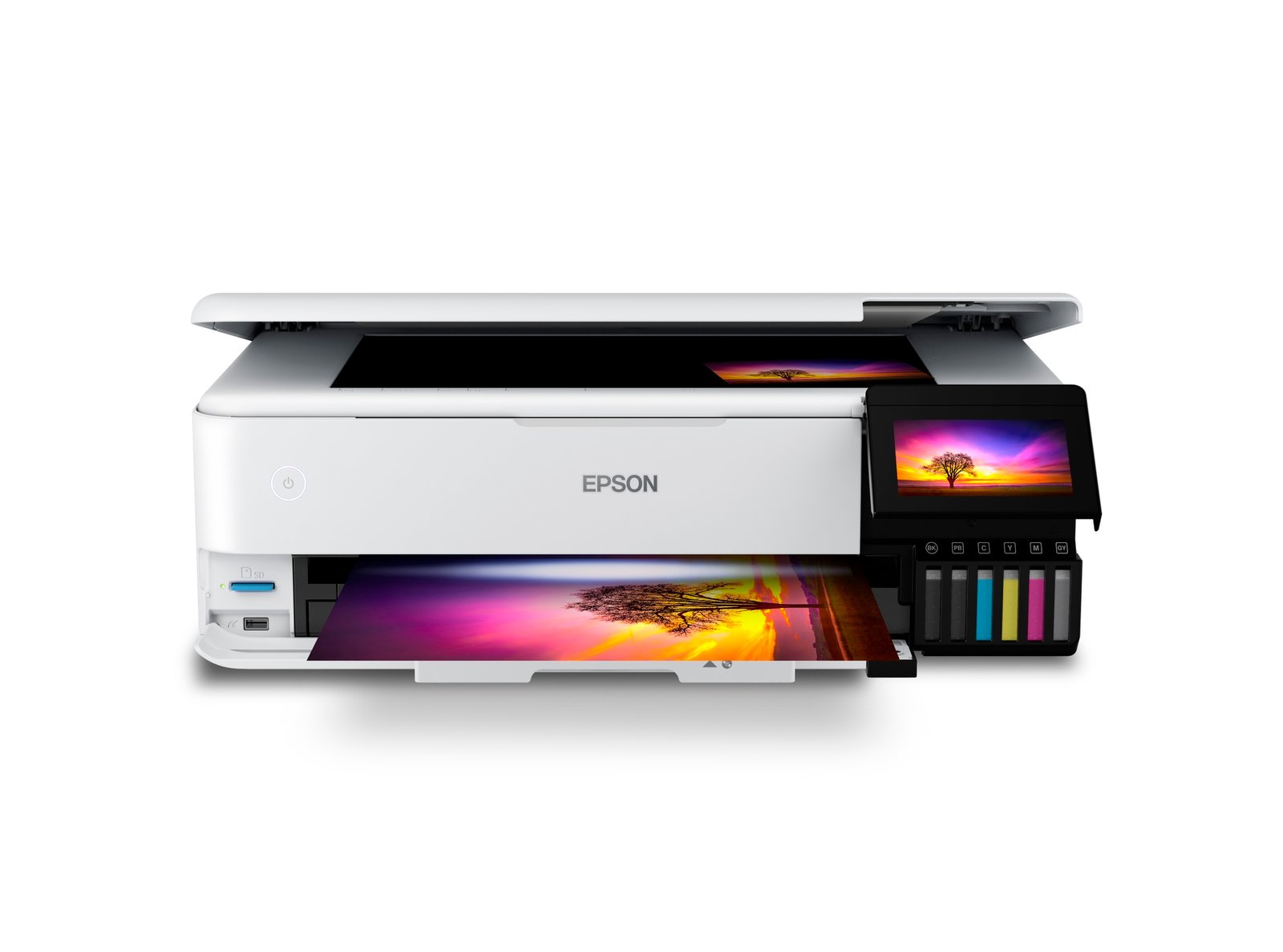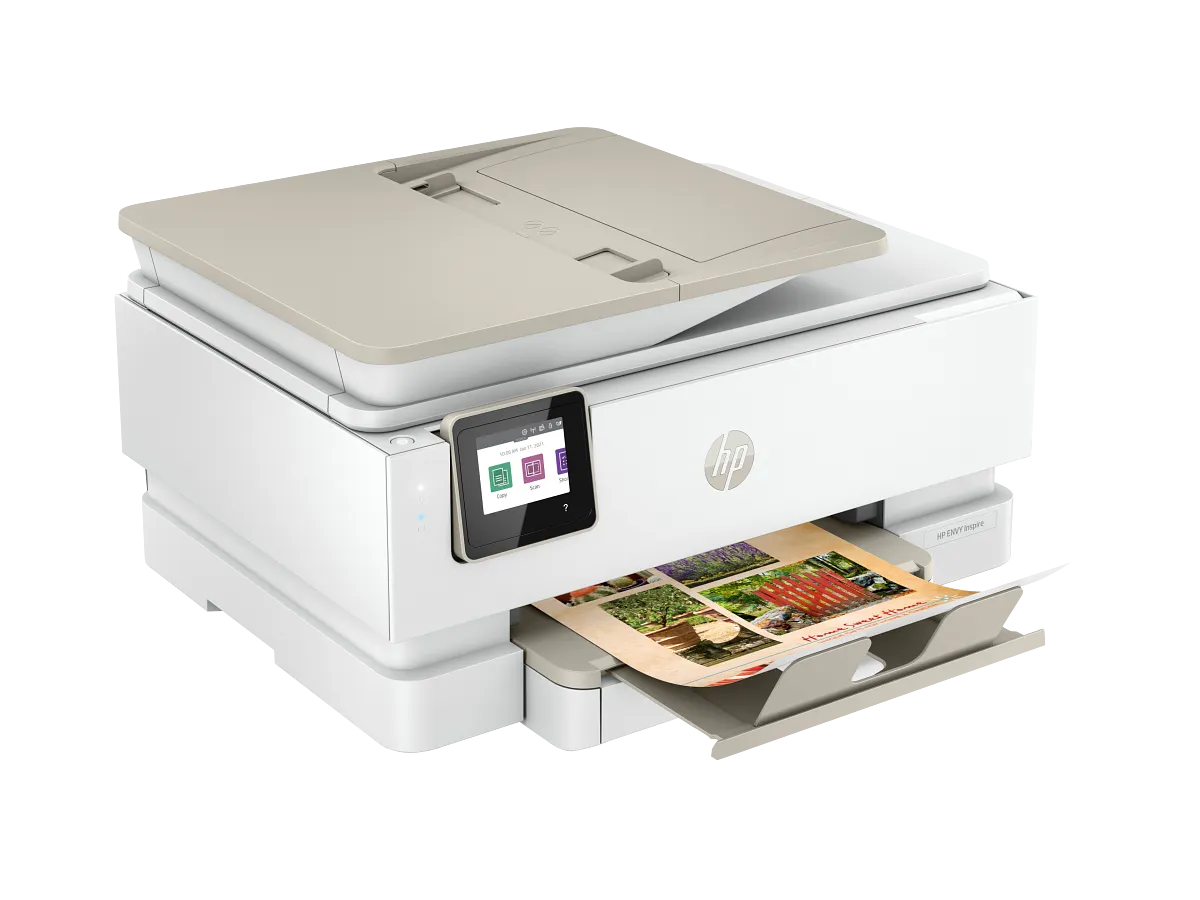
A household printer with two distinct roles
The 7955e makes most sense when one machine must switch between a colorful project and a practical document. A dedicated photo tray reduces the repeated loading ritual for familiar photo sizes, while the document feeder deals with a different kind of household task.
That combination distinguishes it from a flatbed-only photo-friendly model. If family photos remain entirely on screens, however, a separate photo tray provides little everyday benefit and should not decide the purchase.
Keep photo handling and office handling separate
Borderless support is useful for album prints, but check the supported sizes and media instead of assuming any sheet works without margins. Inspect the crop before committing a set of photographs; an edge-to-edge print may lose a small amount around the image.
The feeder is convenient for loose originals, while the flatbed suits a photograph or bound page. Automatic two-sided printing helps with reading packs, but it should not be confused with a promise of automatic duplex scanning.
The tri-color cartridge is the ownership trade
This model uses one black and one tri-color cartridge. The arrangement keeps the number of replacement items small, but a depleted color is not replaced independently. A family printing similar graphics repeatedly should consider how uneven color use affects its replacement routine.
Use local supply prices and comparable yields to estimate the budget. Include photo paper in that calculation, because finished album prints cost more than ink alone. Optional ink services deserve their own terms review before enrollment.
Make a creative-work checklist before buying
List the exact photo formats, card projects and scanning tasks you expect to use. Verify each against HP’s media and software guidance. A short proof on the intended paper is a better early step than adjusting several image controls after an unsuccessful batch.
Compare the Inspire 7255e if feeder scanning is unnecessary, or an office-focused four-cartridge machine if documents dominate. The 7955e belongs on the shortlist when both sides of its household role will be used regularly.
When to look elsewhere
- Large office queues
- Individual color replacement
The key specifications
- Rated ISO speed
- Up to 15 black / 10 color ppm
- ADF
- 35 sheets
- Photo tray
- Dedicated
- Ink arrangement
- Black + tri-color
Check the complete regional specification, current supply compatibility, and software requirements before buying. Manufacturer ratings are not our measured results.